
Café habits · Real-life English
QR Menus and Ordering Ahead at Australian Cafés
Learn the words and phrases for scanning a QR menu, ordering ahead, collecting your order and asking for help, with a short safety note.
Published 17/10/2026 · Educational guide
What you need to know
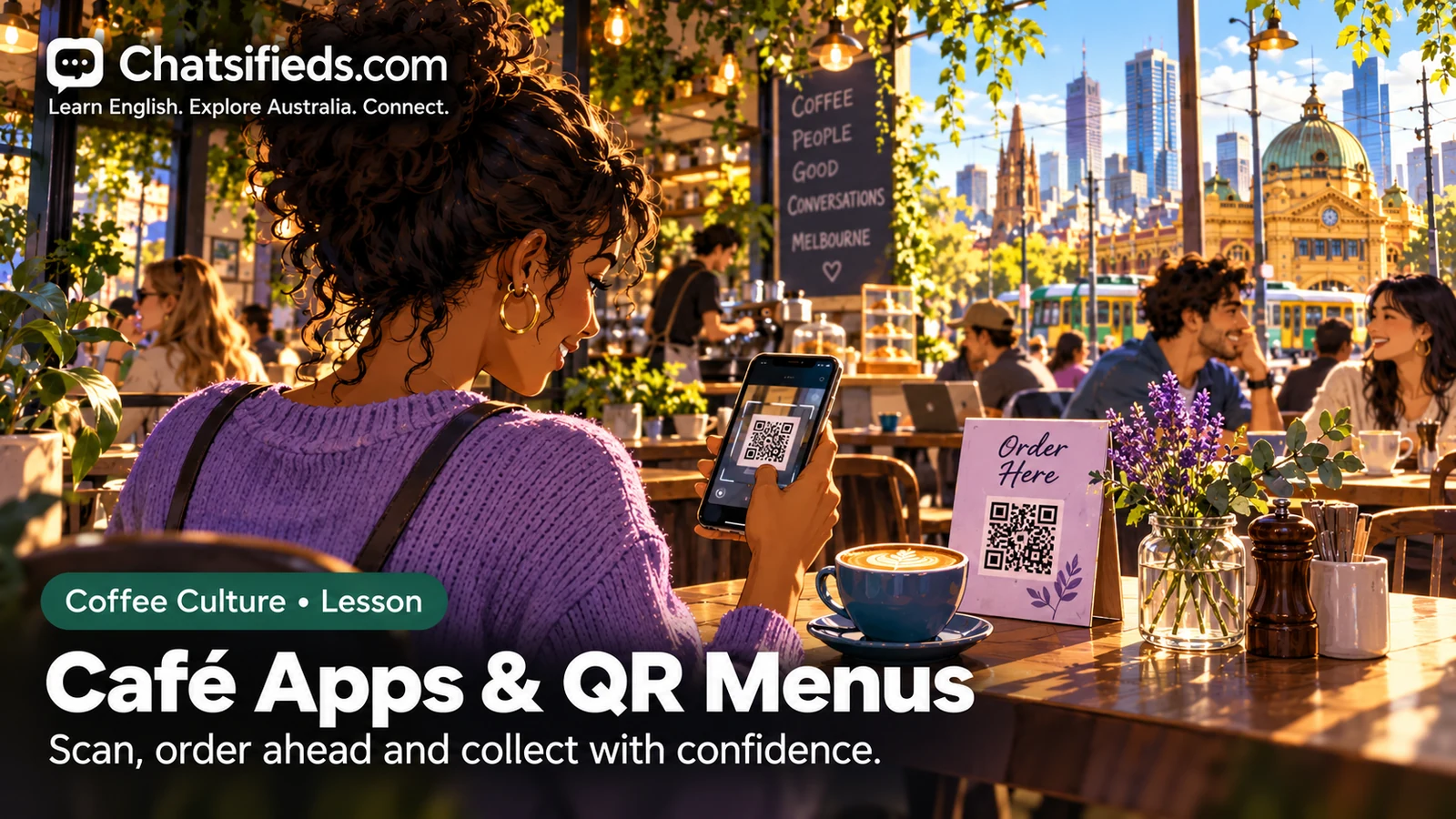
Scan the code, choose your items, and give your table number or order number when asked. If it is confusing, say "Could I have a paper menu, please?" Only scan codes from places you trust.
Understand the Australian context
Some cafés let you view a menu by scanning a QR code with your phone, order at your table, or order ahead online and collect your drink later. How this works depends on the café, so look at the signs or ask staff. Many cafés still have a counter or paper menu, so it is fine to ask.
For safety, the eSafety Commissioner says QR codes are usually safe and do not collect your personal information, but you should only scan codes from trusted sources. It warns that a sticker may be placed over a real sign or poster, and suggests checking that the link looks like the business you expect before you open it.
A CHOICE article, which quotes ACCC advice, adds that you should be careful with codes from unexpected places or pages that ask for passwords or camera access. It also suggests not downloading an app from a code, and finding it in an official app store instead. Scamwatch's general advice is to stop and check if something feels wrong, and not to give details if you are unsure.
Key words and phrases
- QR code
- a square pattern of dots that your phone camera can read to open a web page
- scan
- to point your phone camera at a code so it reads it
- order ahead
- to order before you arrive, using a website or app
- pick-up
- collecting your order from the café yourself
- collection
- the act of collecting something you ordered
- table number
- the number on your table, used so staff know where to bring your order
- order number
- a number given to your order so staff can find it
- paper menu
- a printed menu you can hold and read
Conversation practice: collecting an order placed online
Customer: Hi there. I ordered online for pick-up. Is it ready?
Staff: Sure, what name was it under?
Customer: It's under Sam. I think my order number is forty-two.
Staff: Let me check. Yep, here it is, a flat white and a toastie.
Customer: Thanks. Sorry, I think I ordered a large, but this looks regular.
Staff: Let me check the order on the screen. It says regular, so the online order might have been changed.
Customer: Ah, I see. Could I change it to a large, please?
Staff: No worries, I'll make a new one for you.
Customer: Thank you. Also, could I have a paper menu to check the sizes?
Staff: Of course, here you go.
Customer: Great, thanks for your help.
Staff: Any time. Your drink will be a few minutes.
- "What name was it under?" is a common way for staff to find your order. Have your name or order number ready.
- "Sorry, I think ..." is a gentle way to point out a problem without blaming anyone.
- Staff may fix a problem in different ways. Ask politely and be patient.
More useful phrases
- Could I have a paper menu, please?
- Can I read a printed menu instead?Use it: When the QR code does not work or you prefer paper.
- Could you help me with this code?
- I cannot make the QR code work.Use it: When your phone does not scan or the page will not load.
- I ordered online for pick-up.
- I made an order on a website or app and I am here to collect it.Use it: When you arrive to collect your order.
- My order number is forty-two.
- This is the number I was given.Use it: At the counter, when staff ask which order is yours.
- Which table number am I?
- What is the number of this table?Use it: When you sit down and cannot see a number.
- Sorry, I think there's a problem with my order.
- Something looks wrong.Use it: When an item is missing or different.
Common mistakes and better ways to say it
Less helpful: “Your menu is not working.”
Try instead: “Sorry, I can't get the menu to load. Could you help?”
Describing your problem gently gets help faster than blaming the café.
Less helpful: “I order from phone.”
Try instead: “I ordered online for pick-up.”
Use the past tense and the café phrase 'pick-up' so staff understand.
Less helpful: “Give me paper.”
Try instead: “Could I have a paper menu, please?”
Naming the item and adding please sounds polite and clear.
Less helpful: “Where my coffee?”
Try instead: “Sorry, is my order ready yet? It's number forty-two.”
A full question with your order number helps staff find your order.
Asking for help is normal
Many cafés mix technology and old-fashioned service. You might scan a code at one café and order at the counter at the next. Staff are used to questions about how things work, so asking for help is normal, not embarrassing.
If you are unsure about a code, you can simply order at the counter instead. Look at the sign and the table around the code, and ask staff if anything looks odd. Cafés also differ in how they handle online orders, so listen to what staff tell you and ask them to repeat if needed. Do not give extra personal details unless they seem necessary.
Advertisement
Try it yourself
Role-play collecting an online order. Tell the staff you ordered for pick-up, give your name and order number, and politely point out one small problem. Then ask for a paper menu.
Phrase Wall practice: use this phrase
I ordered online for pick-up.
Say the example aloud, then try it in a real conversation. Discover more useful phrases and save your favourites to My Learning.
Quick check
Think about each answer first, then open “Show answer”. This is a self-check, not a scored quiz.
1. What does 'order ahead' mean?
- Order before you arrive
- Order for a friend
- Order after you eat
Show answer
Answer: A. Order before you arrive. Ordering ahead means ordering online or through an app before you get to the café.
2. The QR code will not load. What is a polite thing to say?
- Your menu is broken.
- Could I have a paper menu, please?
- I don't want to order.
Show answer
Answer: B. Could I have a paper menu, please?. Asking for a paper menu is polite and solves the problem.
3. According to the safety note, what should you be careful about?
- A sticker placed over a real sign
- Cafés with tables
- Using your phone camera
Show answer
Answer: A. A sticker placed over a real sign. The eSafety page warns that stickers can be placed over real signs, so look carefully before scanning.
4. How can you help staff find your online order?
- Give your name or order number
- Say nothing
- Leave the café
Show answer
Answer: A. Give your name or order number. A name or order number lets staff find your order quickly.
Frequently asked questions
Do all cafés use QR codes?
No. Some do, and some use counter ordering or paper menus. Look at the signs or ask staff how the café works.
Is it safe to scan a QR code?
The eSafety Commissioner says QR codes are usually safe, but you should only scan codes from trusted sources. Be careful if a code looks stuck over another sign.
What if the code asks for lots of personal details?
Be careful. Advice quoted by CHOICE from the ACCC says to be wary of pages asking for passwords or camera access. You can stop and order at the counter instead.
Who can I ask for official scam advice?
Scamwatch has official guidance called Stop, Check, Protect. This lesson is English practice only, so check current official advice for details.
Phrase Wall & local business learning
Practise this English in real life
Explore useful Australian English on the Phrase Wall. Relevant businesses can support this lesson with a clearly labelled student offer or real-world practice opportunity.
Sponsorship is clearly labelled and never changes educational answers. Sponsored content policy.
Continue learning
- Café English hub
- Your Coffee Is Ready: Pickup and Collection English
- Table Service, Counter Service and Table Numbers
- Name for the Order? Australian Cafe English
- Australian Café Surcharges and Payments: English Guide (2026)
- How to Read an Australian Cafe Menu
Sources checked
These pages were read while writing this lesson. Links are external references, not sponsorships or endorsements.
- eSafety Commissioner (Be Connected) — scanning a QR code and staying safe
- Scamwatch — Stop, Check, Protect scam advice
- CHOICE — QR code scams, quoting ACCC advice
This is an English-learning article. Rules, menus and café habits change, so check current official guidance and ask the café for the details that matter to you.