
What you need to know
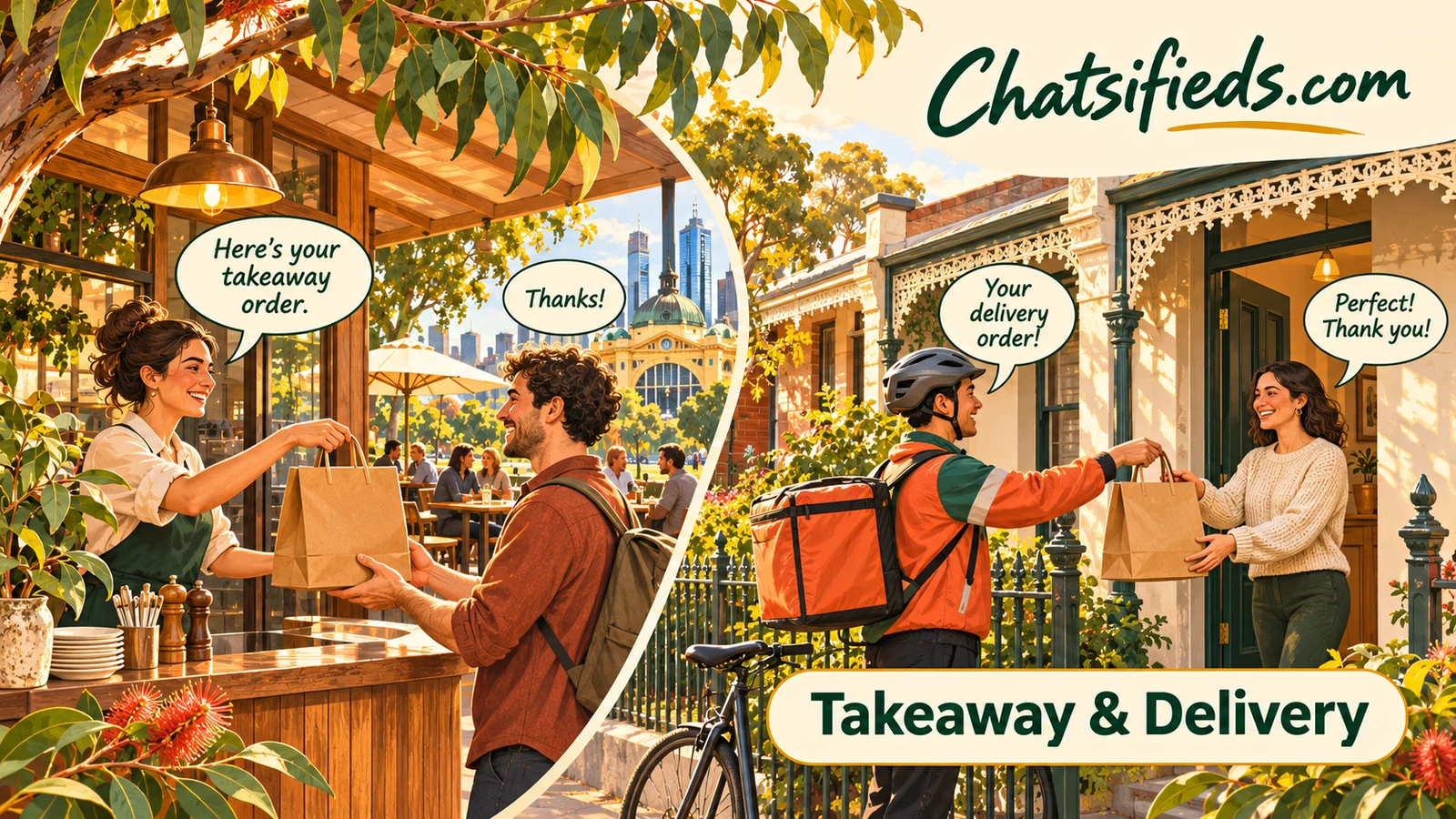
On a delivery app you choose a restaurant, add dishes, check the total, add a note such as "No onion, please" and "Leave at the door", then place the order. You can track the driver on a map. When the driver arrives, say "Hi, I'm Lee. Thanks for coming." and check the bag.
Ordering and tracking on an app
Apps such as Uber Eats, DoorDash and Menulog are examples of food delivery apps. You search for food or a restaurant, open the menu and tap a dish. The app asks you to choose options, such as size or extras. It shows a basket with your dishes and a total. Check the total before you press the button to order.
Most apps let you add a note for the restaurant, for example "No onion, please", and a note for the driver, such as "Please leave it at the door" or "Call when you arrive". Write short, clear sentences. If you have an allergy, a note may not be enough. Contact the restaurant and use the allergy lesson in this topic.
After you order, the app shows steps such as "Order confirmed", "Preparing", "On the way" and "Arrived". You can see the driver on a map and may be able to message them. Times are estimates. If a driver calls, answer "Hello, this is Lee. I'm at the front gate."
When the driver arrives, say thanks and check the bag. Take a photo if something is missing and see the next lessons on fees and problems. The ACCC says businesses must show clear prices, including the total. This lesson teaches English only.
Key words and phrases
- basket
- The list of dishes you have chosen before you pay.
- place an order
- To press the button to buy and send your order.
- driver
- The person who brings the food. Also called a rider.
- estimated time
- A guess of when the food will arrive.
- preparing
- The restaurant is making your food.
- on the way
- The driver is bringing your food.
- leave at the door
- A note asking the driver to put the food at your door.
- hand it to me
- A request to give the food to you, not leave it.
- instructions
- A note to the restaurant or driver.
- unit / apartment number
- The number of your flat or unit, needed for the address.
- buzzer
- A button at a building door that rings your flat.
Dialogue: a driver arrives at your door
Driver: Hi, is this Lee? I have your order.
Customer: Yes, that's me. Thanks for coming.
Driver: Here you go. Chicken burger and chips.
Customer: Thanks. Could I just check it's all in the bag?
Driver: Of course.
Customer: The chips are here, but I ordered a drink as well.
Driver: Let me check the receipt. There's no drink on it.
Customer: I think the restaurant forgot it. I'll report it in the app.
Driver: No worries. Sorry about that.
Customer: It's not your fault. Thanks for the quick delivery.
Driver: Thanks. Have a good night.
Customer: You too. Bye.
- "Is this Lee?" is a common question from a driver.
- "I'll report it in the app" is a calm way to say there is a problem.
- "It's not your fault" is a kind thing to say to the driver.
- Check the bag at the door and say thanks.
More useful phrases
- No onion, please.
- A short note for the restaurant.Use it: In the restaurant note box.
- Please leave it at the door.
- Asks the driver to leave the food.Use it: In the driver note box.
- Please call when you arrive.
- Asks the driver to phone.Use it: When the entrance is hard to find.
- I'm at the front gate.
- Tells the driver where you are.Use it: When the driver calls.
- Hi, this is Lee. I ordered the chicken burger.
- Greets the driver and gives your order.Use it: When the driver arrives.
- Could I just check it's all here?
- Asks to check your order.Use it: At the door.
- Thanks for the quick delivery.
- Thanks the driver.Use it: When you take the food.
- The buzzer number is twelve.
- Tells the driver how to ring your flat.Use it: In the note or on the phone.
- Sorry, could you say that again?
- Asks the driver to repeat.Use it: On the phone or at the door.
App words and what you can write
Apps use short messages. These are common.
| On the app | It means | You can write or say |
|---|---|---|
| Order confirmed | The restaurant accepted your order. | (wait) |
| Preparing | The restaurant is making your food. | (wait) |
| On the way | The driver is bringing it. | Please call when you arrive. |
| Arrived | The driver is at your address. | Hi, this is Lee. Thanks! |
| Add a note | A box for instructions. | No onion, please. |
| Leave at door | A choice for the driver. | Please leave it at the door. |
Times on apps are estimates and can change.
Say it aloud: talking to a delivery driver
Saying a sentence out loud before you need it makes real conversations easier. Accents differ, so aim to be clear, not perfect.
- Slow. Read the sentence slowly, one phrase at a time.
- In full. Say: Hi, this is Lee. Thanks for coming. Could I just check it's all here?
- At normal speed. Say it again, as you would in a real conversation.
- Listen. Listen for "Is this Lee?", "Here you go" and "Have a good night".
Practice 1: Role-play with a partner
Situation: A delivery driver rings your buzzer. You go downstairs to meet them.
Work with a friend, a classmate or your mirror. One person is the delivery driver. The other is a customer. Read the lines, then cover the “You could say” answers and try it from memory. Swap roles.
delivery driver: “Hi, delivery for Lee?”
You could say:
- “Yes, that's me. Thanks for coming.”
- “Hi, yes, I'm Lee.”
delivery driver: “Here's your order. Chicken burger and chips.”
You could say:
- “Thanks. Could I just check it's all here?”
- “Thanks very much.”
delivery driver: “Sure. Is it all there?”
You could say:
- “Yes, it's all here. Thanks.”
- “The drink is missing. I'll report it in the app.”
delivery driver: “Sorry about that. I can check the receipt.”
You could say:
- “No worries, it's not your fault.”
- “Thanks, that would help.”
delivery driver: “Have a good night.”
You could say:
- “You too. Thanks for the quick delivery.”
- “Thanks, bye.”
Challenge: Do the role-play again, but the driver calls first. Say: "Hello, this is Lee. I'm at the front gate in a blue jacket."
Practice 2: Fill the gap
Say the missing word or phrase out loud before you open the answer.
Please leave it at the ___.
Show answer
door — This asks the driver to leave the food.
Please ___ when you arrive.
Show answer
call — This asks the driver to phone.
Could I just ___ it's all here?
Show answer
check — Checking avoids problems.
I'm at the front ___.
Show answer
gate — Tells the driver where you are.
Thanks for the quick ___.
Show answer
delivery — Delivery is bringing the food.
I'll ___ it in the app.
Show answer
report — You can report a problem in the app.
Common mistakes and better ways to say it
Less helpful: “Where my food?”
Try instead: “Hi, I ordered a chicken burger. Is it on the way?”
A full question is clearer.
Less helpful: “(not giving a unit number or buzzer)”
Try instead: “The buzzer number is twelve.”
Drivers need a clear address.
Less helpful: “(shouting at the driver about a missing item)”
Try instead: “I'll report it in the app. It's not your fault.”
Drivers do not make the food.
Less helpful: “(not checking the total before ordering)”
Try instead: “(check the total before you press order)”
The ACCC says prices must be clear, so check the total.
Culture note: be kind to drivers and give clear notes
Delivery drivers often work fast and in the dark or rain. A friendly "Thanks, have a good night" is appreciated. Many people are kind to drivers and give clear instructions so the driver does not need to guess.
Write short notes such as "Unit 4, upstairs. Please call when you arrive." A clear address and phone number avoid problems. If a driver cannot find you, they may call. Answer and give simple directions.
The ACCC says businesses must show clear prices and the total. Always check the total before you order. Fees and refunds are covered in the next two lessons. This lesson teaches English only.
Advertisement
Real-life mission
Practise delivery app English this week. Tick each step.
If a message from the app is hard to read, ask a friend or use a translation tool.
Phrase Wall practice: phrases to own
Open a phrase to see it on the Phrase Wall, practise it, and save it to My Learning.
- “Please leave it at the door.”Asks the driver to leave the food at your door.
- “Please call when you arrive.”Asks the driver to phone you.
- “I'm at the front gate.”Tells the driver where you are.
- “I'll report it in the app.”Says you will tell the app about a problem.