
Australian Supermarket English · Checkout & paying · Level: Beginner
Self-Checkout: Screens, Prompts and Problems
Self-checkout is fast, but the machine talks to you. It tells you to scan, wait, bag and pay. If you know the common prompts, a small problem feels easy to fix.
Published 18/11/2026 · Educational guide · About 20 minutes
What you need to know
At a self-checkout you scan each item, place it in the bagging area, choose how to pay and finish. If the machine stops, an attendant nearby can help. Say "Excuse me, could you give me a hand?" and show them the screen. Prompts and rules differ between stores, so read the screen.
How a self-checkout usually works
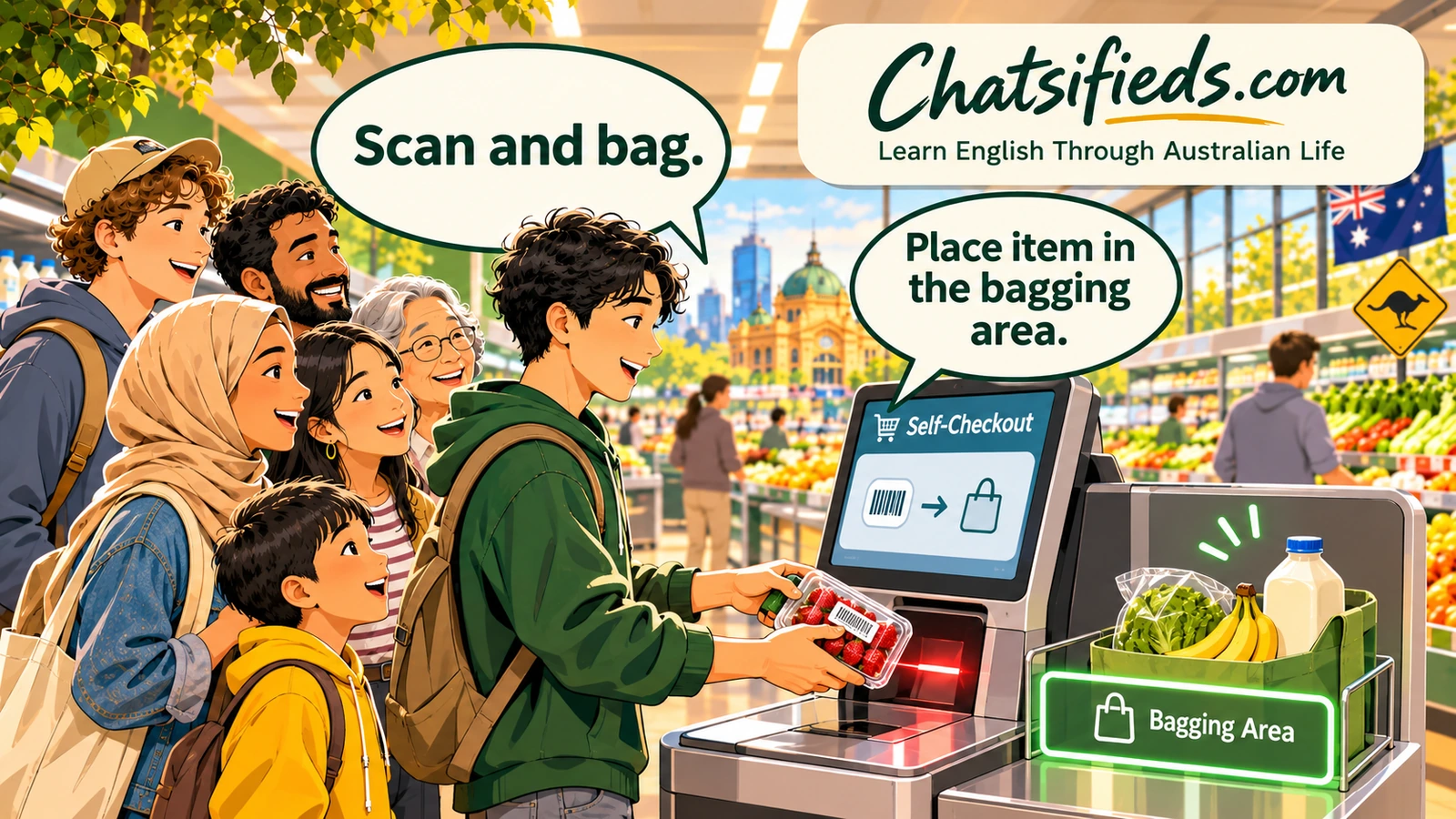
At a self-checkout you do the scanning yourself. You pick up each item, scan the barcode, then put it in the bagging area. For fruit and vegetables without a barcode, you usually choose the item on the screen and place it on the scale.
The machine often speaks, and the screen shows messages. When something goes wrong, a light may flash, and a staff member comes over. A common problem is that the machine thinks an item is missing, extra, or in the wrong place. The fix is usually to wait a moment, scan again, or ask the attendant to approve it.
Some items, such as age-restricted goods, need a staff member to check them. That is normal, and the attendant does it quickly. You can say, "I think it needs a check." Most stores let you pay by tap or card at the machine. Check the screen for cash options, because they vary.
If you feel unsure, use a staffed checkout. Self-checkout is a choice, not a rule.
Key words and phrases
- self-checkout
- A machine where you scan and pay for your own items.
- attendant
- A staff member who watches the self-checkouts and helps when a machine stops.
- barcode
- The black-and-white stripes on a product that the scanner reads.
- scanner
- The part of the machine that reads barcodes.
- bagging area
- The shelf or scale where you place scanned items. The machine checks their weight.
- scale
- A machine that weighs items such as fruit and vegetables.
- prompt
- A message on the screen or a voice line that tells you what to do.
- approve
- When staff confirm an item so the machine can continue.
- unexpected item
- A message that means the machine detected a weight it was not expecting.
- finish and pay
- The button you press when all your items are scanned.
- light
- The small light above a machine. A flashing light usually tells staff you need help.
Dialogue: a small problem at the self-checkout
Machine: Please scan your first item.
You: (you scan a carton of milk and put it in the bagging area)
Machine: Unexpected item in the bagging area.
You: Excuse me, could you give me a hand?
Attendant: Sure. Let me have a look. Did you move something?
You: Yes, I put my own bag down on the scale first.
Attendant: No worries. I'll fix it. Try scanning again.
You: Thanks. Do I put the bag in first next time?
Attendant: Yes, if you scan the bag first, the machine knows its weight.
You: Got it. Where do I choose fruit without a barcode?
Attendant: Tap the fruit and veg button, find the item, then put it on the scale.
You: Great, thanks. And how do I pay?
Attendant: Press finish and pay, then tap your card.
You: Perfect. Thanks very much.
- "Could you give me a hand?" is a polite and common way to ask for help.
- "Let me have a look" means "I will check".
- "No worries" means it is fine. It is a friendly reply when something is easy to fix.
- The exact screen wording differs between machines. The ideas are the same.
More useful phrases
- Could you give me a hand?
- Asks someone to help you.Use it: When the machine stops and you need staff.
- It's asking for an approval.
- Explains that the machine needs staff to confirm something.Use it: When the screen asks for help.
- I scanned it, but it didn't beep.
- Explains that the machine did not register an item.Use it: When an item does not scan.
- Where do I find the fruit and veg?
- Asks how to find fruit and vegetables on the screen.Use it: When you have items without a barcode.
- Is there a scale I can use?
- Asks where to weigh items.Use it: When you buy items by weight.
- Do I have to scan my bag first?
- Checks the bag rule so the machine does not stop.Use it: When you use your own bag.
- Sorry, I'm not sure what it wants.
- Says you do not understand a prompt.Use it: When you are stuck.
- Can I pay here, or do I go to the front?
- Asks whether the machine takes your payment type.Use it: When you want to pay cash or use a gift card.
Common self-checkout prompts and what to do
Wording differs between machines, but the ideas are the same. These are suggested learner versions.
| On the screen or voice | It means | What to do |
|---|---|---|
| Please scan your item. | The machine is ready for the next item. | Scan the barcode. |
| Place item in the bagging area. | Put the scanned item on the bagging shelf. | Place it gently and do not touch it again. |
| Unexpected item in the bagging area. | The weight is not what the machine expected. | Wait a moment, check the shelf, or call the attendant. |
| Wait for assistance. | Staff need to check something. | Wait for the attendant. Say "Thanks". |
| Select your fruit and veg. | The machine needs you to choose a loose item. | Tap the item on the screen and place it on the scale. |
| Item not found. | The barcode could not be read. | Try again or ask staff. |
| Select payment type. | Choose how to pay. | Tap your card or phone, or ask about cash. |
Always follow your store's screen. If it feels confusing, ask the attendant.
Say it aloud: asking for help
Saying a sentence out loud before you need it makes real conversations easier. Accents differ, so aim to be clear, not perfect.
- Slow. Read the sentence slowly, one phrase at a time.
- In full. Say: Excuse me, could you give me a hand?
- At normal speed. Say it again, as you would in a real conversation.
- Listen. Listen for the attendant's reply, such as "Sure", "No worries" or "Let me have a look".
Practice 1: Role-play with a partner
Situation: You are using a self-checkout. The machine stops, and a light flashes. An attendant comes over.
Work with a friend, a classmate or your mirror. One person is the attendant. The other is the customer. Read the lines, then cover the “You could say” answers and try it from memory. Swap roles.
attendant: “Hi there. Is everything okay?”
You could say:
- “Excuse me, could you give me a hand?”
- “Sorry, it stopped and I'm not sure why.”
attendant: “Let me have a look. Did you move an item after scanning it?”
You could say:
- “Yes, I think I moved the milk.”
- “No, I didn't. It just stopped.”
attendant: “No worries. I'll fix it. Please scan the next item.”
You could say:
- “Thanks. I'll scan the next one now.”
- “Okay, thanks. I'll try again.”
attendant: “You have fruit with no barcode. Tap the fruit and veg button.”
You could say:
- “Thanks. Do I put it on the scale after that?”
- “Got it. I'll tap the button.”
attendant: “Yes, then choose the item. When you're done, press finish and pay.”
You could say:
- “Perfect. Thanks very much.”
- “Great. Thanks for your help.”
Challenge: Role-play again, but this time the machine will not take your payment. Ask: "Can I pay here, or do I go to the front?"
Practice 2: Fill the gap
Say the missing word or phrase out loud before you open the answer.
Excuse me, could you give me a ___?
Show answer
hand — "Give me a hand" means "help me".
Place the item in the ___ area.
Show answer
bagging — The bagging area checks the weight of the item.
Let me have a ___.
Show answer
look — "Let me have a look" means "I will check".
I scanned it, but it ___ beep.
Show answer
didn't — Use the past simple negative to describe a problem.
Press finish and ___.
Show answer
pay — The last step on the screen.
Do I have to scan my ___ first? (your own bag)
Show answer
bag — Some machines weigh your bag first so they do not stop.
Common mistakes and better ways to say it
Less helpful: “Machine is broken.”
Try instead: “Sorry, it stopped. Could you give me a hand?”
Explaining the problem and asking politely is friendlier and clearer.
Less helpful: “(taking an item off the bagging shelf and putting it back)”
Try instead: “(wait, then ask) Excuse me, it says unexpected item.”
Moving items can make the weight check worse. Ask for help instead.
Less helpful: “Help.”
Try instead: “Excuse me, could you help me with this?”
A full sentence is polite and easy to understand.
Less helpful: “I don't understand screen.”
Try instead: “Sorry, I'm not sure what it wants.”
A short sentence with "Sorry" sounds natural.
Culture note: it is normal to ask for help
Self-checkout attendants expect questions, so there is nothing embarrassing about asking. People of every age get "unexpected item" messages. Staff fix them many times a day.
If the line behind you is long, do not rush. Most people wait quietly. If you want to practise slowly, use a staffed checkout or go at a quiet time of day.
Many stores allow tap or card payment at self-checkouts. The StudyMelbourne currency page explains Australian money and tap and pay for students. Cash options and limits differ, so check the screen.
Real-life mission
On your next shop, try a self-checkout with a small basket. Tick each step when you have done it.
If it goes wrong, that is part of learning. Staff see it every day.
Phrase Wall practice: phrases to own
Open a phrase to see it on the Phrase Wall, practise it, and save it to My Learning.
- “Could you give me a hand?”A polite way to ask someone to help you.
- “Let me have a look.”A friendly way to say you will check something.
- “I scanned it, but it didn't beep.”Explains that an item did not register.
- “Sorry, I'm not sure what it wants.”Says you do not understand a prompt.